
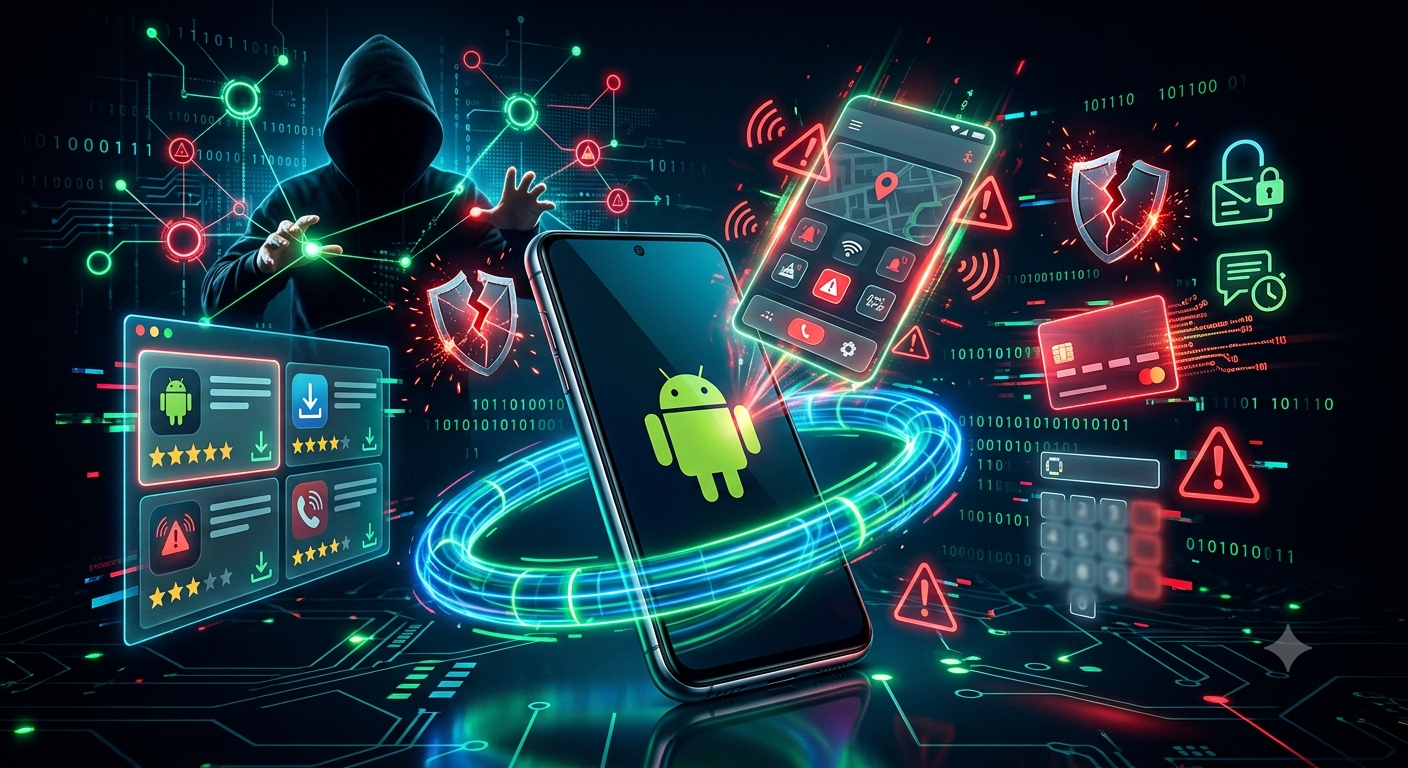
Cybersecurity researchers have uncovered a malicious Android application that impersonates the Bahrain Civil Defense to trick users into installing malware capable of stealing sensitive personal and financial information.
The fake application is distributed through SMS messages, WhatsApp, Telegram, and fraudulent websites designed to closely resemble the Google Play Store. These fake pages use official-looking branding, fake reviews, and inflated download numbers to convince users that the application is legitimate.
Once installed, the application deploys a Remote Access Trojan (RAT), giving attackers the ability to compromise the device and steal sensitive information, including:
- PINs.
- One-Time Passwords (OTPs) sent by SMS.
- Banking credentials.
- Other personal data stored on the device.
If attackers obtain both a user’s password and OTP, they may be able to access online accounts or perform unauthorized financial transactions.
Although the campaign specifically targets users in Bahrain, the attack technique is not limited to one country. Cybercriminals can easily adapt the same method by impersonating government agencies, banks, emergency services, or other trusted organizations in different regions. The campaign demonstrates how social engineering remains one of the most effective methods for convincing victims to install malicious software.
Recommendations
Users are encouraged to follow these security best practices:
- Do not open Google Play links received through messages or social media. Instead, open the Google Play Store application directly and search for the application yourself.
- Never install APK files from outside the official Google Play Store.
- Verify the application developer and do not rely solely on ratings or download numbers, as these can be manipulated on fraudulent websites.
- Treat any emergency or government application that requests permission to enable a VPN with caution, as this may indicate malicious activity.
- Keep Google Play Protect enabled and ensure Android devices are updated with the latest security patches.
This incident highlights how attackers increasingly exploit fear and urgency during emergencies to deceive users. Verifying the source of an application before installing it remains one of the simplest and most effective ways to protect personal information, financial accounts, and mobile devices from compromise.